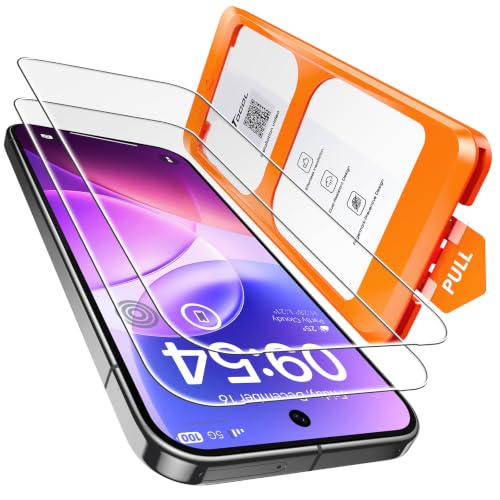
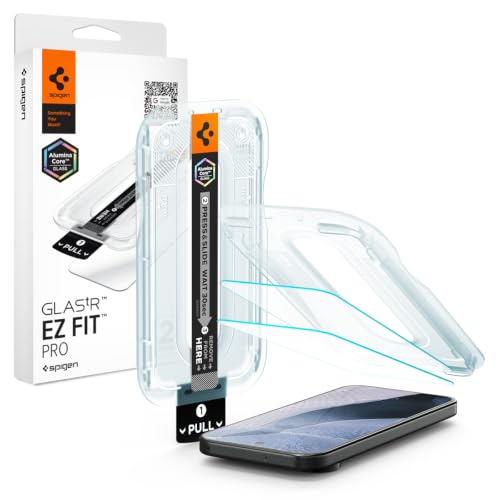
Pixel and Samsung both put a fingerprint reader under the display, and protector advice tends to treat them as the same problem. They fail in opposite ways, and the advice that protects one can be irrelevant on the other.
An ultrasonic reader — the Samsung flagship type — sends a sound pulse through the glass and reads the echo. It needs an unbroken medium, so it is defeated by thickness and by air gaps. Thin glass and full adhesive are the fixes.
An optical reader — which is what Pixel uses — illuminates your fingertip using the display itself and photographs the reflection. It does not care much about thickness, because light passes through a slightly thicker sheet perfectly well. What defeats it is anything that dims, tints or scatters the light on the way out and back.
So the recommendations invert. On a Galaxy, a thin clear glass is essential and a privacy film is the problem. On a Pixel, a slightly thicker glass is largely harmless — but a tinted, privacy or heavily matte protector is the thing that will break your unlock, because it starves the sensor of the light it depends on.
Privacy filters. Their entire function is absorbing light that is not travelling straight at you. That is precisely the light an optical sensor is trying to collect and return. This is the worst combination for a Pixel.
Heavily matte or anti-glare. Diffusion scatters the reflected image the sensor is trying to photograph. A light matte finish is usually tolerable; an aggressive one often is not.
Tinted or blue-light protectors. Any coloured layer reduces and shifts the light reaching the sensor. Mild tints are usually fine, stronger ones are not.
What is fine: ordinary clear tempered glass, including slightly thicker sheets that would cause problems on an ultrasonic phone.
Whatever you fit, re-enrol your fingerprint afterwards. The sensor stored your print as read through bare glass; with a protector on, the optical path has changed. Delete the saved prints and add them again with the protector in place. This resolves a large share of "the sensor stopped working" reports on Pixel specifically.
Enrol the same finger twice as two separate entries, at slightly different angles. Optical readers benefit from this more than ultrasonic ones because they are matching an image rather than a 3D structure.
Finally, check for a bubble directly over the sensor. On an optical reader that shows up as an unlock that works intermittently rather than not at all, which makes it easy to misdiagnose as a software problem.
| Pixel — optical | Samsung flagship — ultrasonic | |
|---|---|---|
| Reads by | Photographing reflected light | Sound pulse through the glass |
| Defeated by | Tint, diffusion, low light | Thickness, air gaps |
| Thick glass | Largely tolerated | Degrades above ~0.4 mm |
| Privacy film | Worst case — starves it of light | Bad — breaks acoustic contact |
| Matte finish | Light matte only | Usually tolerated if thin |
| Safe choice | Clear tempered glass | Thin clear glass, full adhesive |
Prices change daily, so the price and availability that count are always the ones shown on Amazon once you follow the link. Each item was checked individually against Amazon.ca before publication — but read the guidance above first, because on this page the right answer is sometimes to buy nothing.

NEW'C for iPhone 16/15 Privacy Screen Protector Installation Tool…
View on Amazon →
PEHAEL for iPhone 11/iPhone XR Privacy Screen Protector
View on Amazon →
PEHAEL for iPhone 17 Pro Privacy Screen Protector+Camera Lens…
View on Amazon →
JETech Privacy Screen Protector for iPhone 17, 2-Pack
View on Amazon →
Ailun Privacy Screen Protector+Camera Lens Protector for iPhone 16,…
View on Amazon →
NEW'C for iPhone 15 Pro Max Privacy Screen Protector, Tool Included
View on Amazon →Samsung flagships use ultrasonic fingerprint readers, and privacy films are the most common cause of them failing. W…
Read the guide →On a phone, a two-way privacy filter is normally enough. On an iPad the geometry of how the device is used inverts t…
Read the guide →The correct paper-feel protector is not the same across the iPad line. Laminated versus non-laminated displays, scre…
Read the guide →The right answer for an Apple Watch screen protector inverts within the product line. Aluminium models use strengthe…
Read the guide →Steam Deck protectors are not interchangeable between OLED and LCD models, and some units ship with etched anti-glar…
Read the guide →The original Nintendo Switch and the Switch Lite have plastic screens that scratch far more easily than glass — incl…
Read the guide →Optical. It lights your fingertip using the display and photographs the reflection, rather than sending a sound pulse through the glass the way Samsung flagships do. That difference changes which protectors cause problems.
Generally yes. Thickness is the enemy of ultrasonic sensors, not optical ones — light passes through a slightly thicker sheet without much trouble. Tint and diffusion are what you need to avoid instead.
A privacy filter absorbs light that is not travelling straight at you, which is exactly the light an optical sensor needs to collect. It is the worst pairing for a Pixel. Clear tempered glass is the safe choice.
Yes, and it fixes a lot of reported failures. The sensor saved your print as read through bare glass, so delete the stored prints and enrol again with the protector fitted. Registering the same finger twice at slightly different angles helps optical readers in particular.